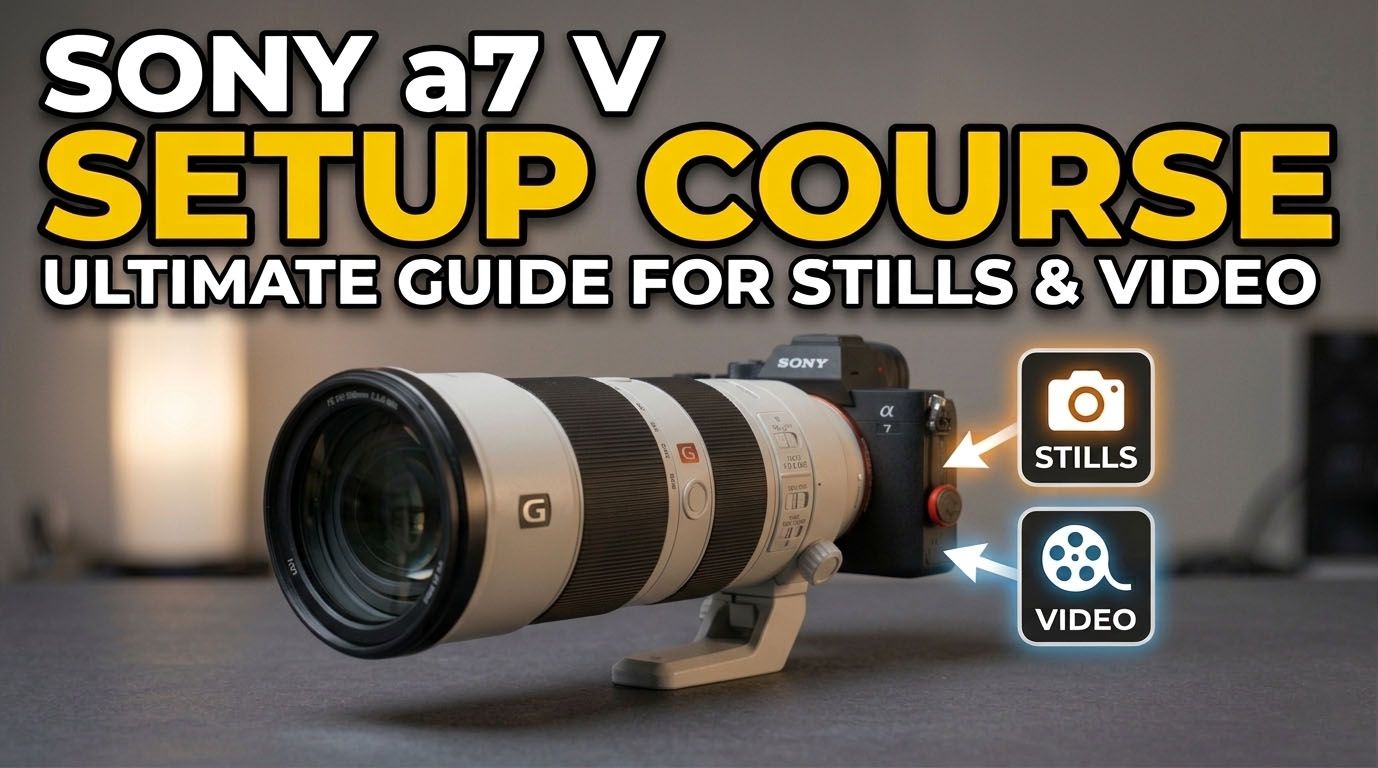
Sony a7 V Complete Wildlife Setup Masterclass Course: Stills + Video
Sony a7 V Complete Wildlife Setup Masterclass Course: Stills + Video
Couldn't load pickup availability
The Sony A7V Is More Powerful Than You Think
If you picked up the Sony A7 V because you wanted a serious camera without the serious price tag — smart move. But if you’re not getting the results you expected, here’s the truth: this camera is packing genuine pro-level technology, and most people are barely scratching the surface!
The A7 V punches way above its price point. That’s both the gift and the challenge.
AI-powered autofocus. Advanced subject recognition. A hybrid shooting system built for stills and video. The kind of capability that used to cost twice the money — all buried inside menus most shooters never fully explore.
Get Great Results Faster!
You already made a brilliant investment. This course is your cheat sheet to getting every dollar’s worth out of it.
Tips & Tricks from Mark Smith
With over 6 million social media followers and brand partnerships with Sony, Nikon, and OM System, Mark Smith knows exactly what it takes to get pro results from pro gear. In this guide he shows you precisely how he’d set up the A7 V for maximum performance — fast, clean, and without the guesswork.
Video 1: Introduction
Are you ready to unlock your camera's full potential?
Video 2: Shooting Menu Setup & Explanation
Mark goes over everything he would setup and or change in the shooting menu of the Sony A7V. Image quality settings, File formats, File/folder settings, Shooting mode, Drive modes, Shooting speeds, Pre-capture settings, Silent shutter shooting, Image stabilization and more.
Video 3: Exposure Menu Setup & Explanation
Video 4: Back Button Focus
Video 5: Setting Up Auto Focus for Still Photography
Video 6: Playback Menu Setup & Explanation
Video 7: Network Menu Setup & Explanation
Video 8: Camera Customization
Video 9: Codecs & Frame Rates on the Sony A7V
Mark dives in and shows you how to properly choose codecs and frame rates for shooting video.
Video 10: Setting UP 4k 120fps Video
Video 11: Removing the S&Q Nag Screen
Video 12: Setting Up S&Q Video Options
The Sony A7V can record dramatic slow-motion video or high speed. Choosing the best formats can be a little tricky. In this video Mark shows you exactly how he sets up the Sony A75 for S&Q video and why.
Video 13: Setting Up Proper Exposure for Video
Mark explains how to propel setup exposure for video on the A7V.
Video 14: Setting Up Auto Focus for Video
Mark explains how the Sony A75 auto focus for video system works and how to properly set it all up in order to get the most out of this amazing camera.
Video 15: Setting Up Custom Menu Banks
The Sony A7V introduced a way to setup custom user banks with a new dial. This dial is very powerful and allows you to quickly move between stills, real time video or slow motion video when set up correctly. It is a game changer when setup correctly. In this video Mark shows you how.
Share